
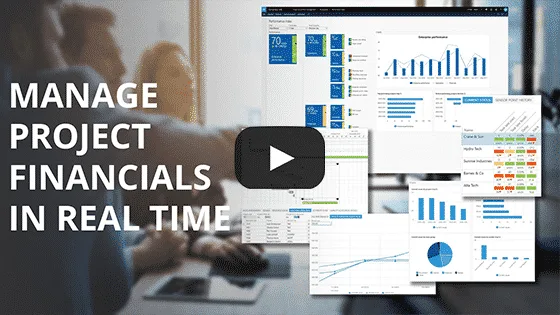
Watch this video to see PlanAutomate Project Financials in action. See how you can get real-time financial insight into your project business.
Eliminate the need for spreadsheets and standalone project accounting software to financially manage your portfolio of projects.
- Align your financials with your operations in real time, so your financial reports always reflect the current operational plan
- Leverage the WBS to feed your CBS with the most accurate cost estimates from the updated timeline
- Automate the change order process to eliminate manual workloads
- Evaluate cost to complete with real-time work estimates from the schedule
- Report on the financial impact of schedule changes immediately
Sign Up for More Content
To receive great Microsoft and PlanAutomate content like this directly to your inbox on the state of project business around the world, subscribe below.
